Grayscale image view
Dejan Agostini
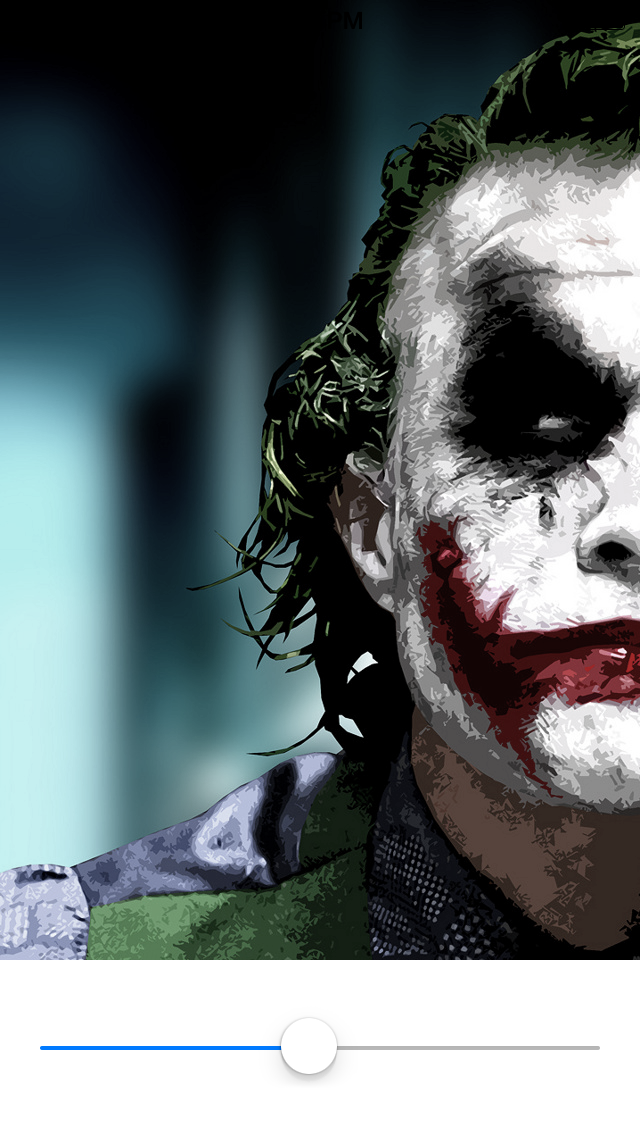
Creating a grayscale image is not a problem in iOS, but I wanted to be able to animate an image view from grayscale to full color.
It turned out to be a pretty simple operation, all you have to do is create a grayscale image, and fade-in the original image. Kind of a hack, I know, but it does the job :) So if you start with this image:
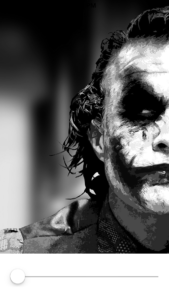 By increasing saturation to around 50% you would get something like this:
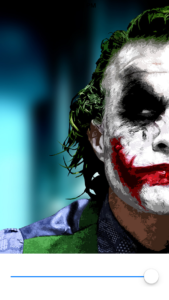
And finally you would get this:
By increasing saturation to around 50% you would get something like this:
And finally you would get this:
 When we leave out the boilerplate code this is all you need:
By increasing saturation to around 50% you would get something like this:
And finally you would get this:
When we leave out the boilerplate code this is all you need:
- (UIImage *)grayscaleImage:(UIImage *)originalImage {
    UIGraphicsBeginImageContextWithOptions(originalImage.size, YES, [UIScreen mainScreen].scale);
    CGRect imageRect = CGRectMake(0, 0, originalImage.size.width, originalImage.size.height);
    [originalImage drawInRect:imageRect blendMode:kCGBlendModeLuminosity alpha:1.0];
    UIImage *result = UIGraphicsGetImageFromCurrentImageContext();
    UIGraphicsEndImageContext();

    return result;
}
Pretty simple. If you want to play around with this code, or use it in your own projects, feel free to download it from github: DAGrayscaleImage
Have a nice day :)