Automated Code Review With codebeat
Dejan Agostini

Code reviews are an important part of our day-to-day life as developers. They improve the codebase and they help us learn. When we review code, especially when we're under pressure, we could rush things and make mistakes or oversights. Fortunately, there's a tool that can review the code for us. In this article we'll set up an automated static analysis and code review tool named codebeat. Let's get started...
 Once you select the button you will go through the ordering process, since it's free, just go along with it :)
 At the end of all of it you will need to authorize codebeat to access your data on GitHub. You will see this screen twice, once for public repos and once for private ones:
 That's pretty much it for the install. Next we'll have to connect the repository.
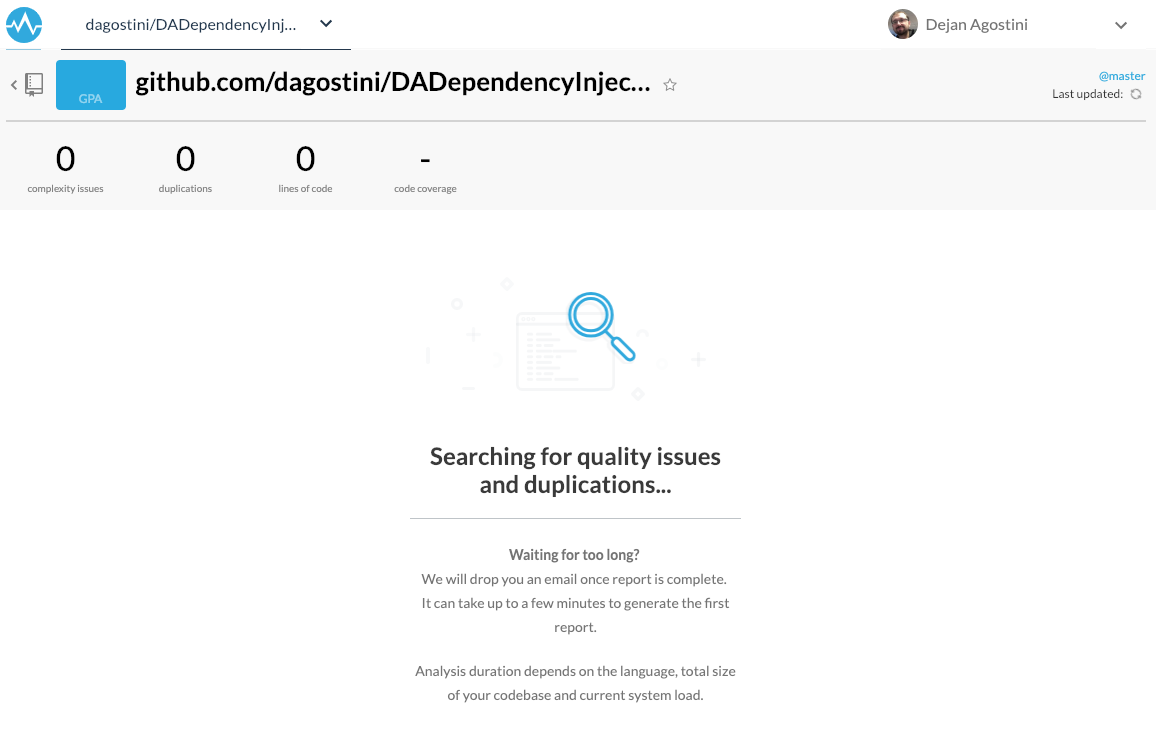
 And now we wait:
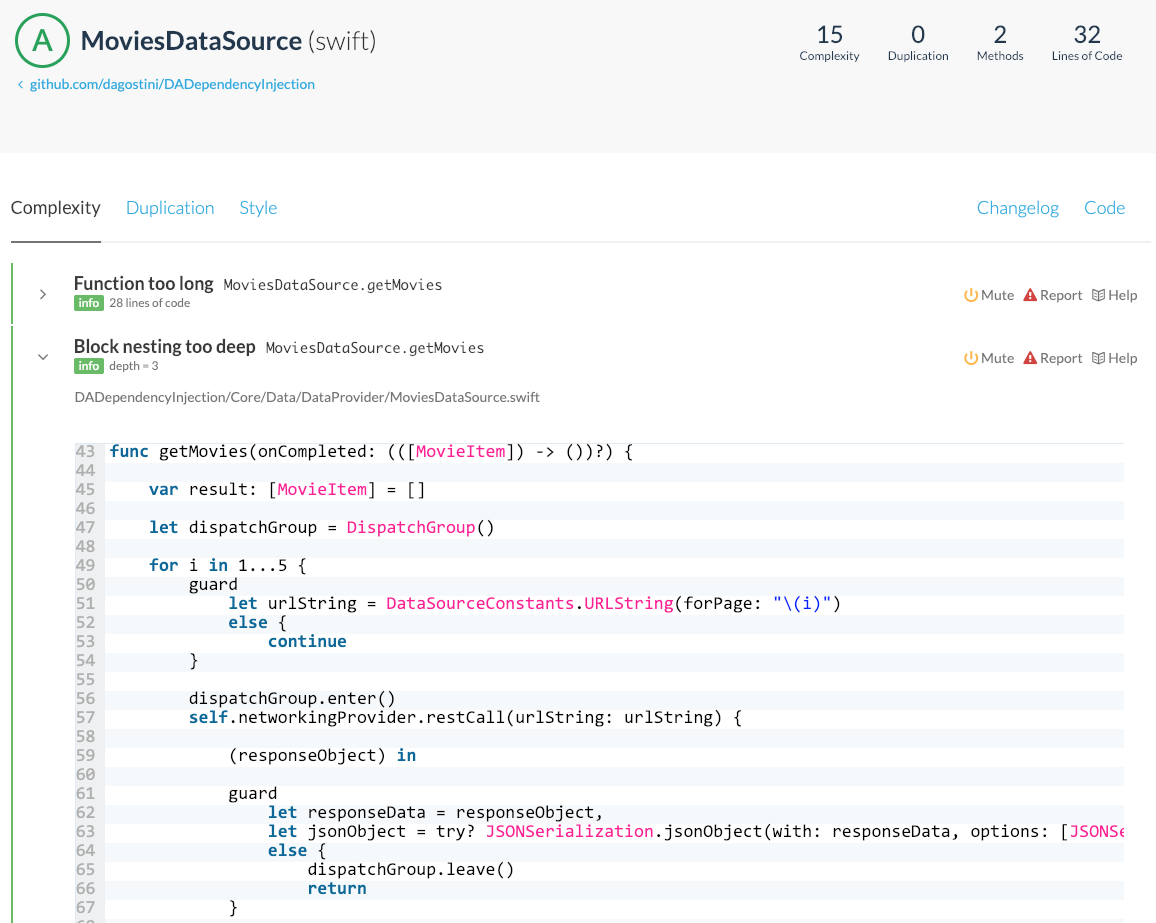
 If you open your project you can see all the issues codebeat found. You'll find a couple of tabs at the top. Check out this code complexity report with a couple of issues:
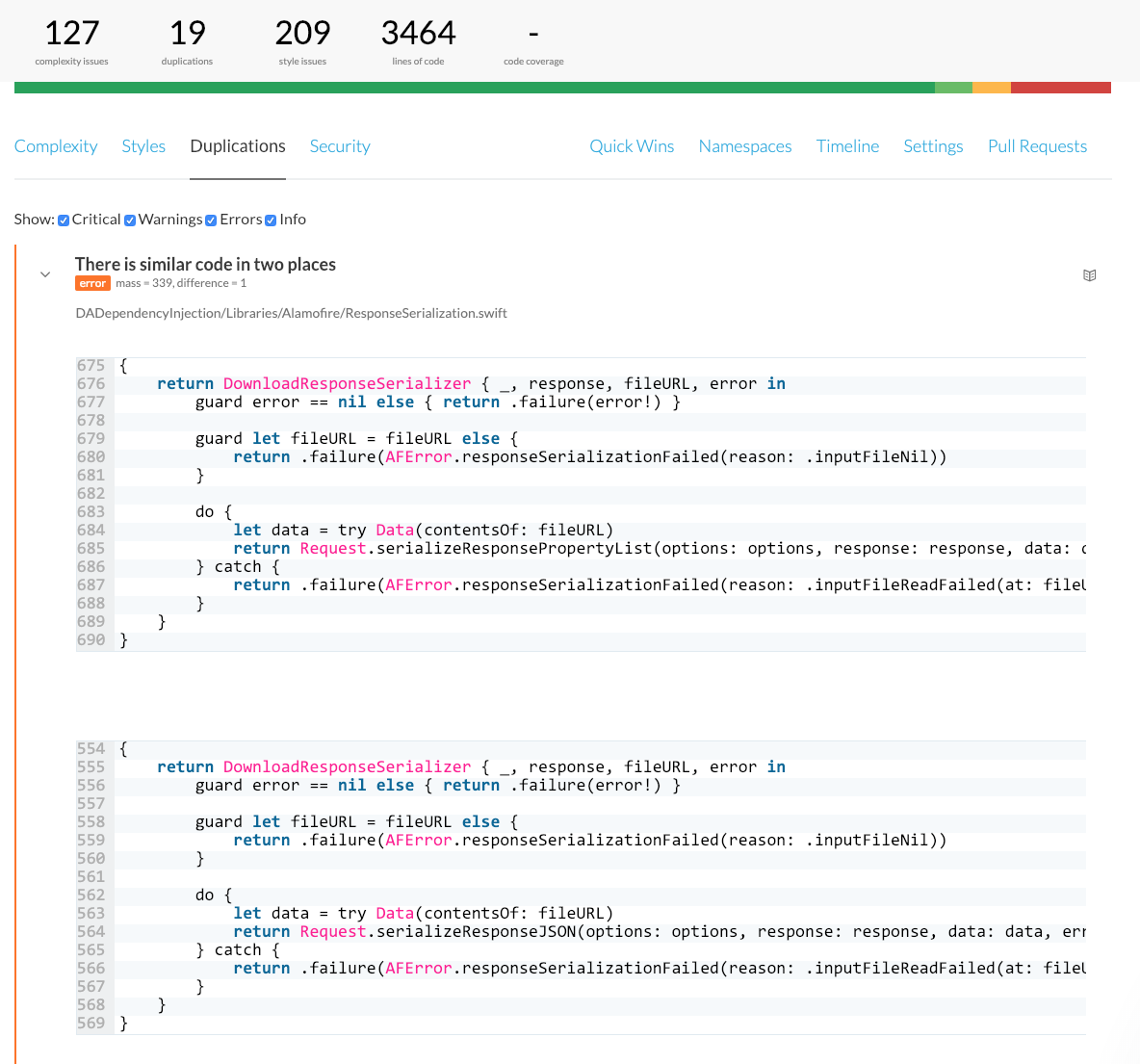
 The very useful feature is the code duplication detection:
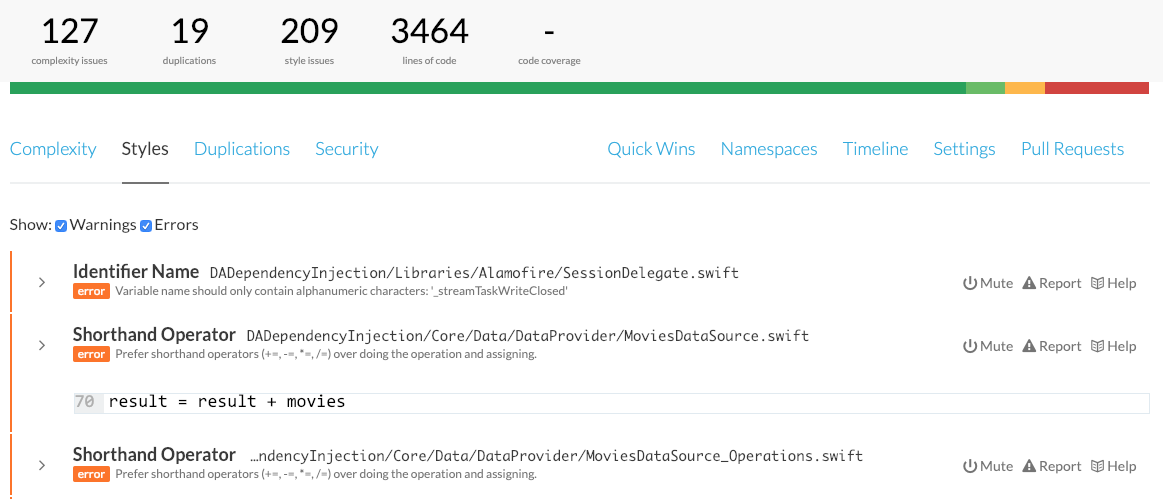
 It will also analyse your coding style:
 codebeat will analyse your code for some security vulnerabilities. The example project that we're using is too simple so it didn't find any :)
One cool feature is the so-called 'Quick Wins' tab:
codebeat will analyse your code for some security vulnerabilities. The example project that we're using is too simple so it didn't find any :)
One cool feature is the so-called 'Quick Wins' tab:
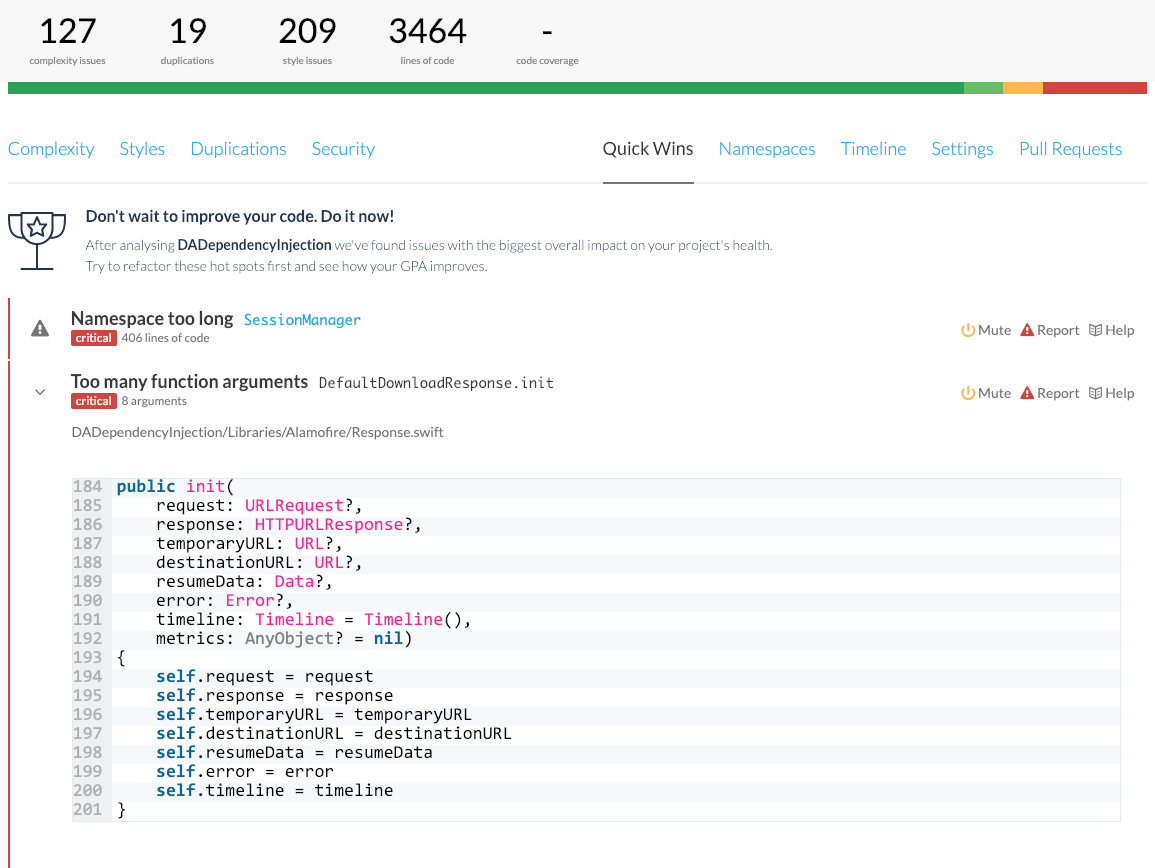 These are the simple changes that would improve the quality of your codebase a lot.
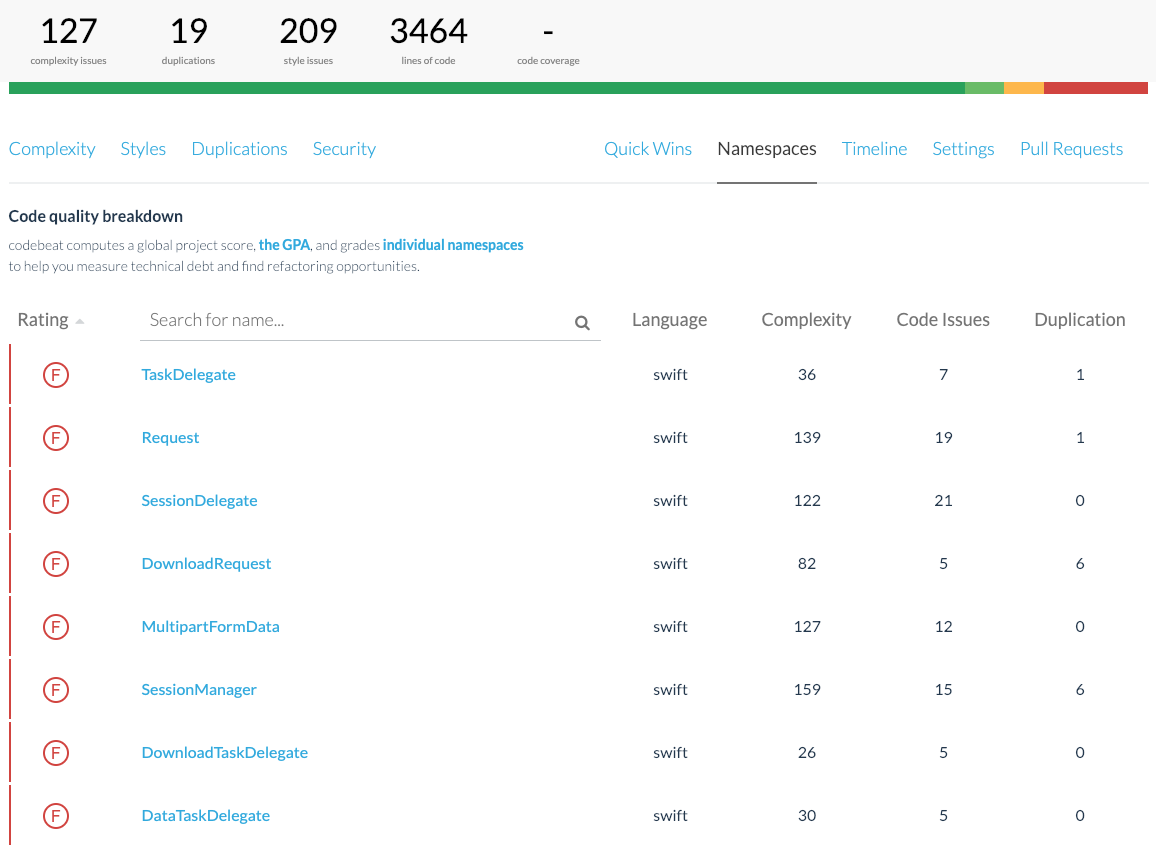
If you wan to check out individual classes (structs, enums...), you can find them under the 'Namespaces' tab:
These are the simple changes that would improve the quality of your codebase a lot.
If you wan to check out individual classes (structs, enums...), you can find them under the 'Namespaces' tab:
 Every time you open a pull request for the branch that you're tracking, codebeat will analyse the pull request and give you a report. It's pretty well-integrated with GitHub:
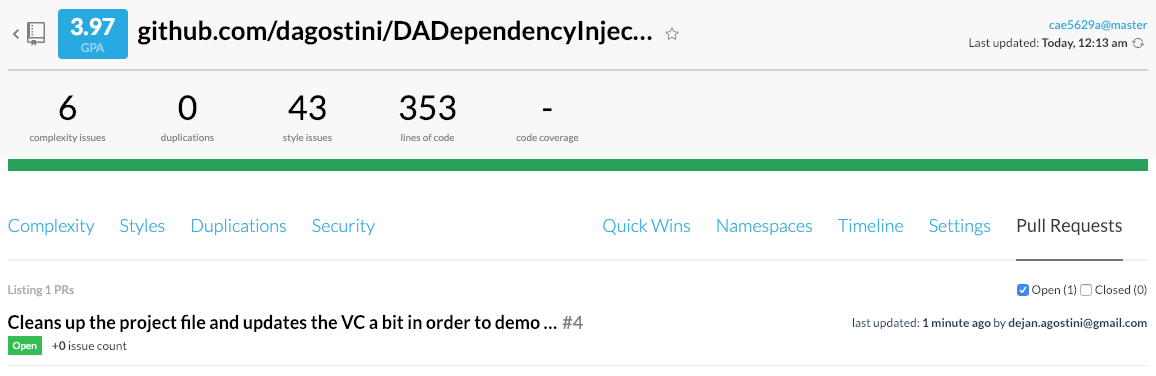
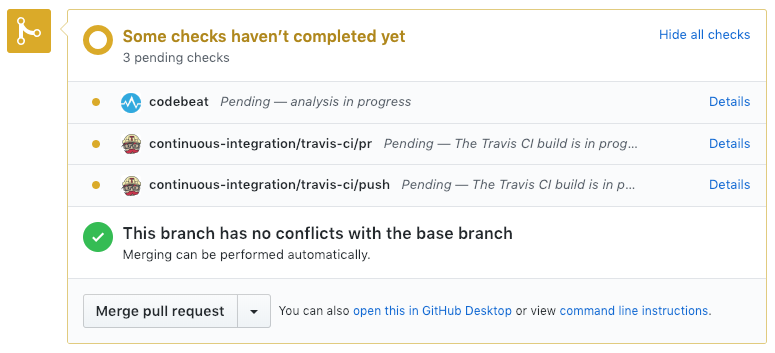 You can find your report under the 'Pull Requests' tab:
The Machine
The machine doesn't get tired and doesn't make mistakes. So it's good for doing certain repetitive tasks. Reviewing code is not exactly a repetitive task, but, we always check for certain things first before doing the actual review. We check the coding style, we check for best practices, outdated APIs and a bunch of other things that are just on our checklist. After all that, we start checking the business logic. If our checklist was long we might be getting tired by this point. A lot of these checks are always the same. And, as we know, machines are good at repetitive tasks. A tool like codebeat can perform these checks for us so we can have more time to focus on reviewing the actual business logic and checking if the code is doing what it's supposed to be doing in the first place.codebeat
codebeat is a tool for automated code reviews and static code analysis. It has some pretty cool features that we'll go over in a bit. It supports a few languages, but we only care about Objective-C and Swift :) Let's set it up...Install
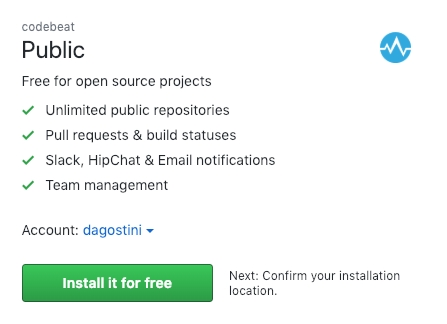
You can find codebeat on the GitHub marketplace. And that's the easiest way to install it. It's free for open source projects and you'll be paying some 20$ per 'seat' (read: team member). Head over to GitHub marketplace and install codebeat:
Once you select the button you will go through the ordering process, since it's free, just go along with it :)
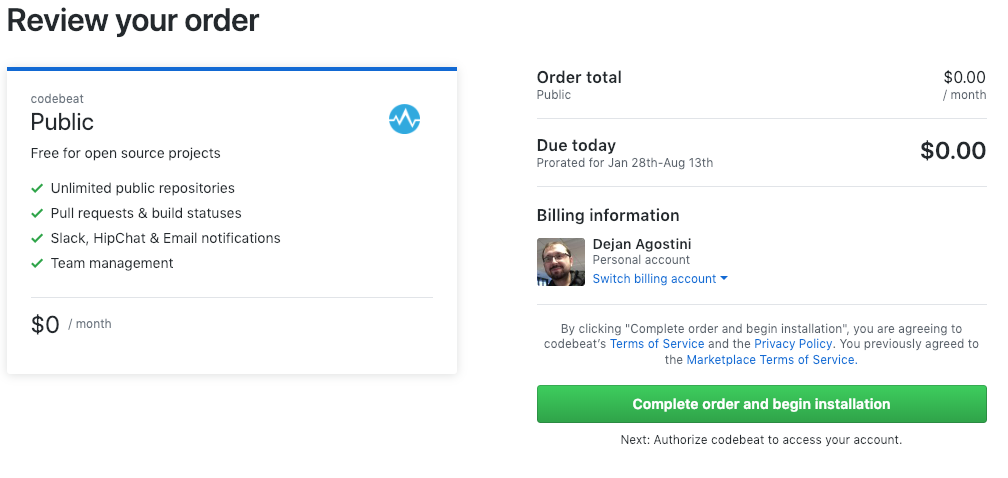
At the end of all of it you will need to authorize codebeat to access your data on GitHub. You will see this screen twice, once for public repos and once for private ones:
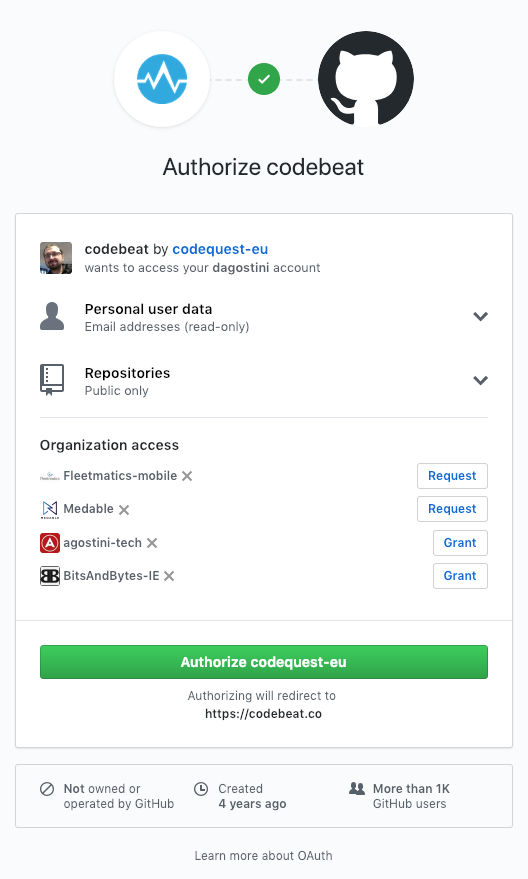
That's pretty much it for the install. Next we'll have to connect the repository.
Start Tracking
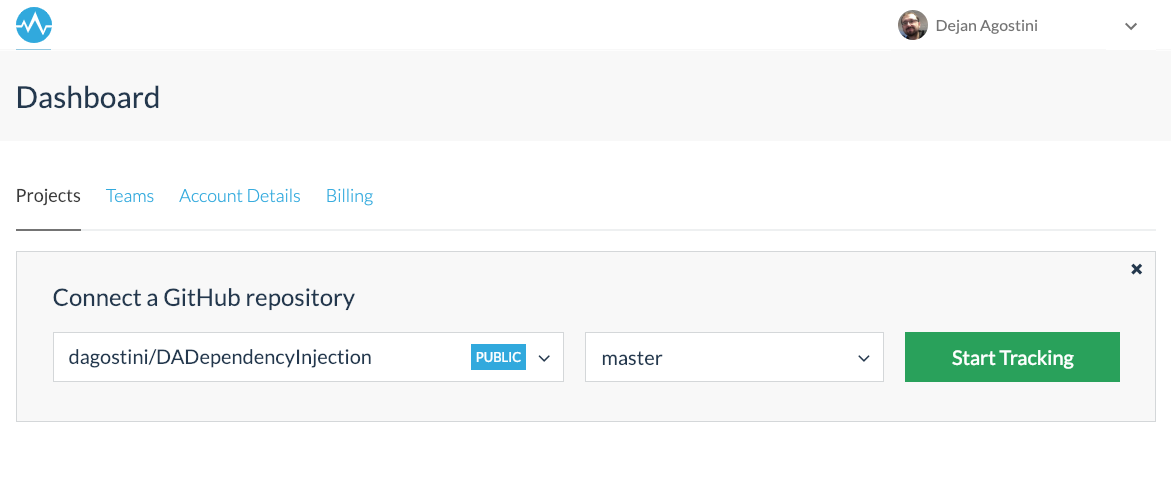
Now that we have codebeat installed we'll connect our repo. It's pretty simple, just select the repo and the branch and start tracking:
And now we wait:
Code Analysis
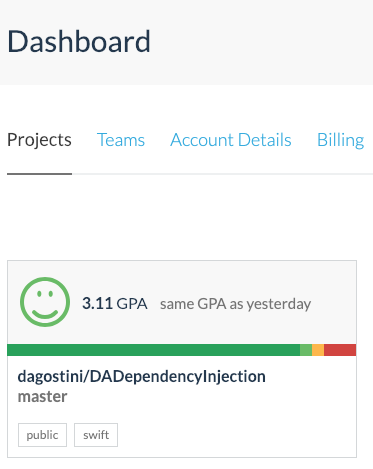
After a few minutes you'll see the first results of your code analysis. You'll see your project in the dashboard:
If you open your project you can see all the issues codebeat found. You'll find a couple of tabs at the top. Check out this code complexity report with a couple of issues:
The very useful feature is the code duplication detection:
It will also analyse your coding style:
codebeat will analyse your code for some security vulnerabilities. The example project that we're using is too simple so it didn't find any :)
One cool feature is the so-called 'Quick Wins' tab:
These are the simple changes that would improve the quality of your codebase a lot.
If you wan to check out individual classes (structs, enums...), you can find them under the 'Namespaces' tab:
Every time you open a pull request for the branch that you're tracking, codebeat will analyse the pull request and give you a report. It's pretty well-integrated with GitHub:
You can find your report under the 'Pull Requests' tab: